Settings
The Settings window is shared by every tool and opens from any Spirit Vale Overlay window. Use the search box at the top to jump to a specific setting.
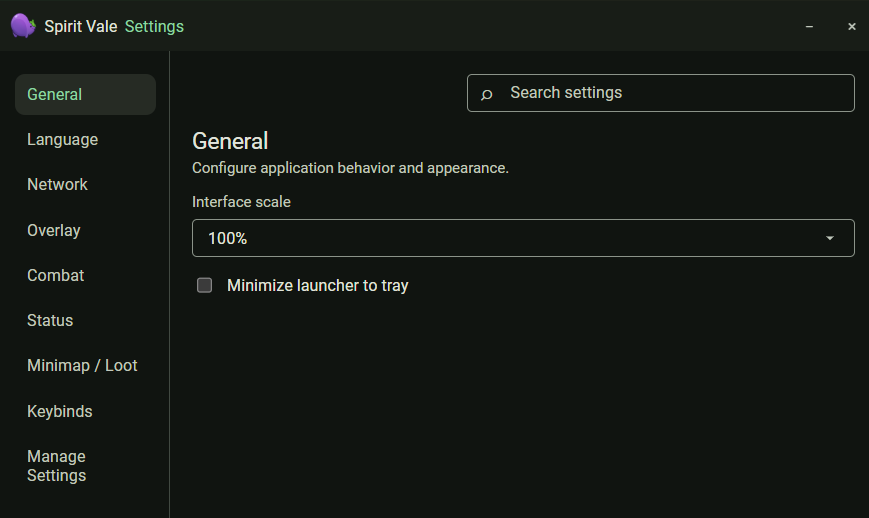
General
Interface scale and whether the launcher minimizes to the system tray.
Network
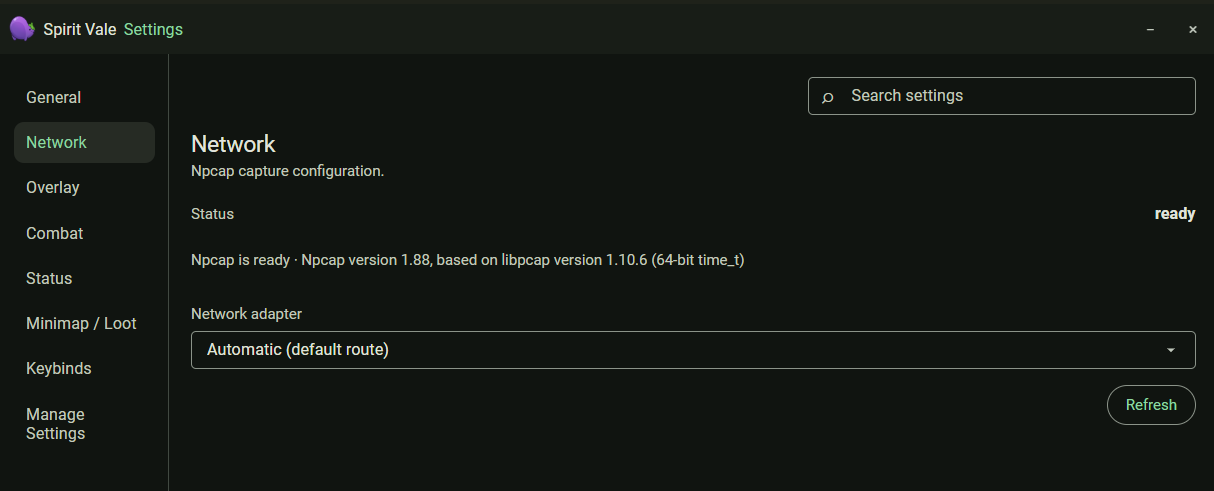
Npcap capture configuration. The status line confirms Npcap is ready and shows its version. Leave the network adapter on Automatic (default route) unless capture is not working — see the troubleshooting guide. Refresh re-checks Npcap and the adapter list.
Overlay
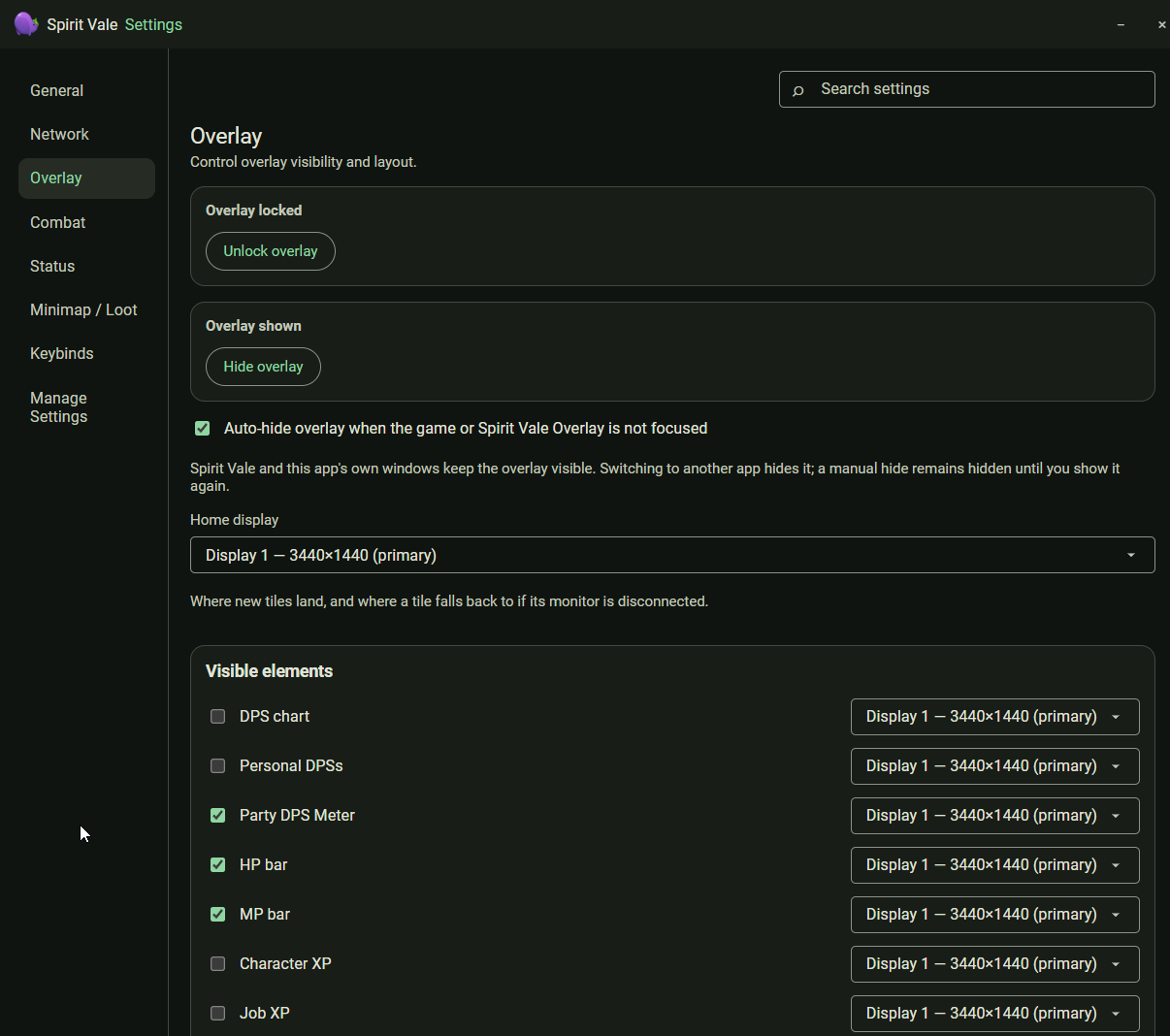
Lock or unlock the overlay, show or hide it, and choose the home display where new tiles land. Auto-hide overlay when the game or Spirit Vale Overlay is not focused keeps the overlay visible only while the game or one of this app’s windows is in front.
Visible elements lists every tile with a checkbox and its own display selector, so individual tiles can live on different monitors.
Combat
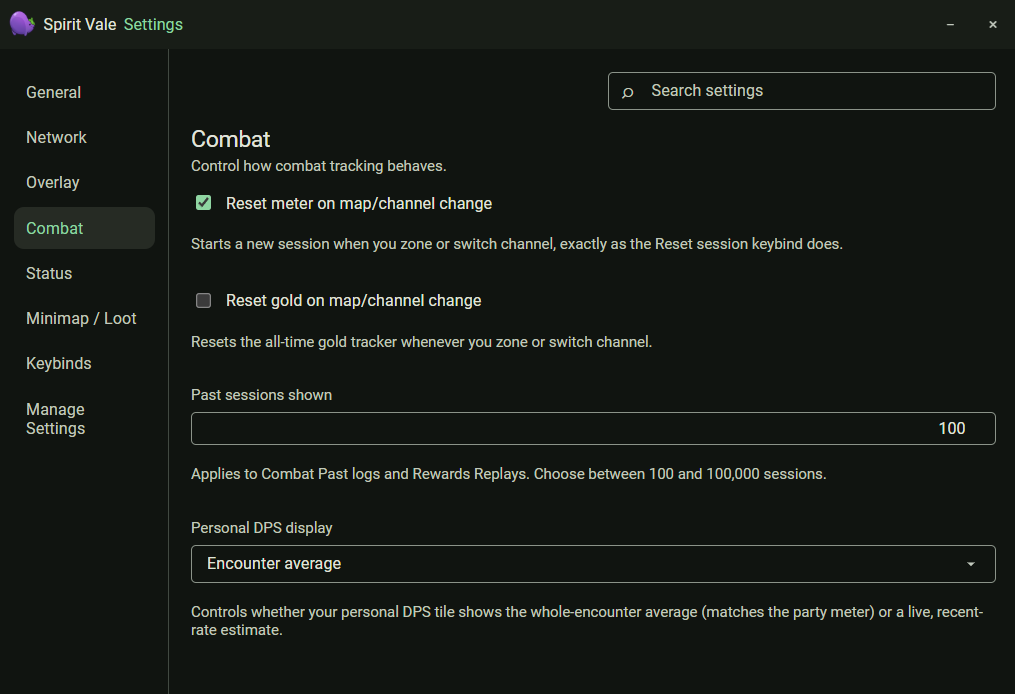
- Reset meter on map/channel change — starts a new session when you zone or switch channel, the same as the Reset session keybind.
- Reset gold on map/channel change — resets the all-time gold tracker on a zone or channel switch.
- Past sessions shown — how many sessions Combat past logs and Rewards replays keep, between 100 and 100,000.
- Personal DPS display — whether your personal DPS tile shows the whole-encounter average (matching the party meter) or a live recent-rate estimate.
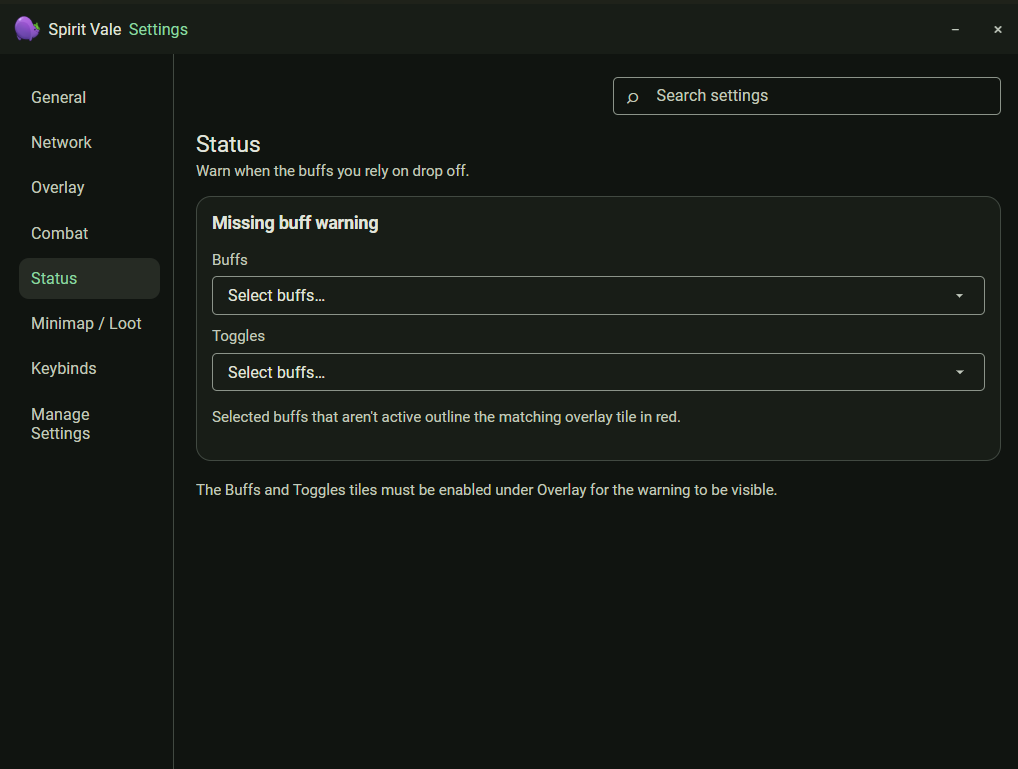
Status
Warn when buffs you rely on drop off. Select buffs and toggles to watch; when one is not active, its overlay tile outlines in red. The Buffs and Toggles tiles must be enabled under Overlay for the warning to show.
Minimap / Loot
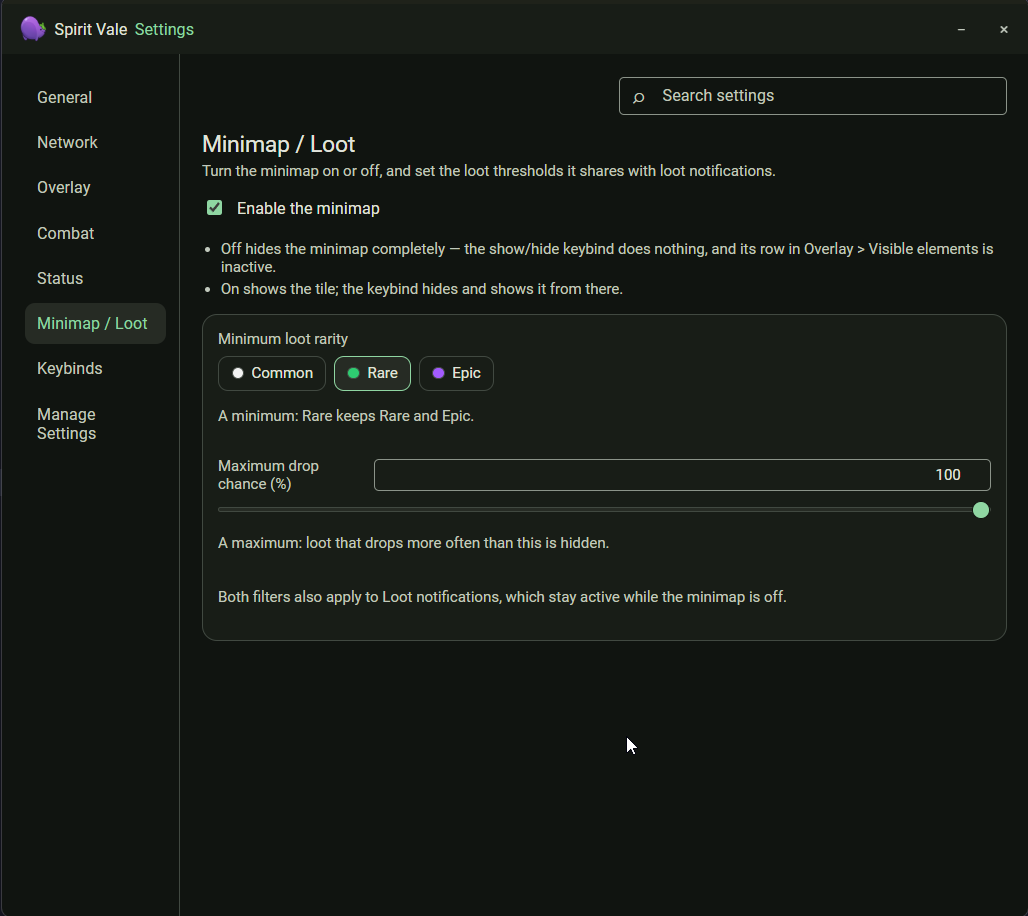
Turn the minimap on or off and set the loot thresholds it shares with loot notifications.
- Minimum loot rarity — Common, Rare, or Epic. A minimum of Rare keeps Rare and Epic.
- Maximum drop chance (%) — loot that drops more often than this is hidden.
Both filters also apply to loot notifications, which stay active while the minimap is off.
Keybinds
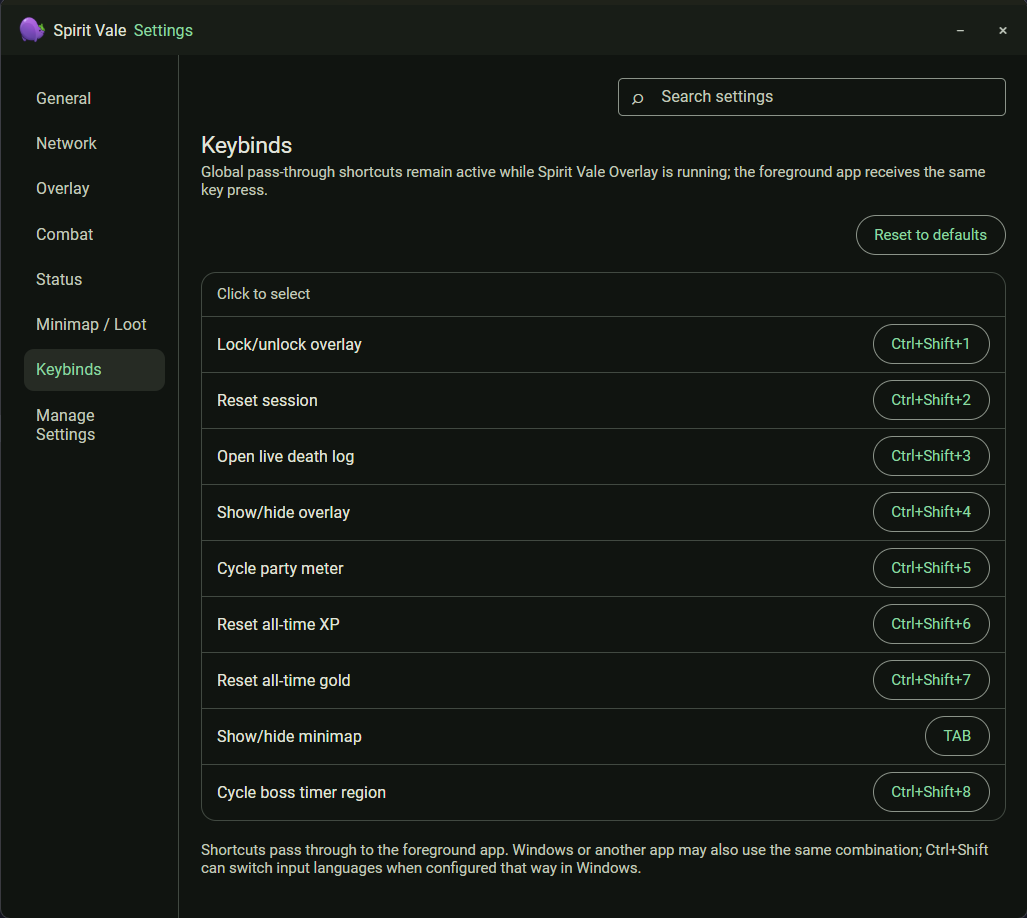
Every global pass-through shortcut, with Reset to defaults. Click a binding and press the new combination to change it. Shortcuts pass through to the foreground app, so its normal action for the same combination still runs, and Windows may use Ctrl+Shift to switch input languages when configured that way.
Manage Settings
Import, export, or reset your settings. Each area — Launcher, Overlay, Combat (DPS), Rewards, and Window Layout — exports and imports on its own. The settings folder path is shown at the top, with Open Settings Folder.
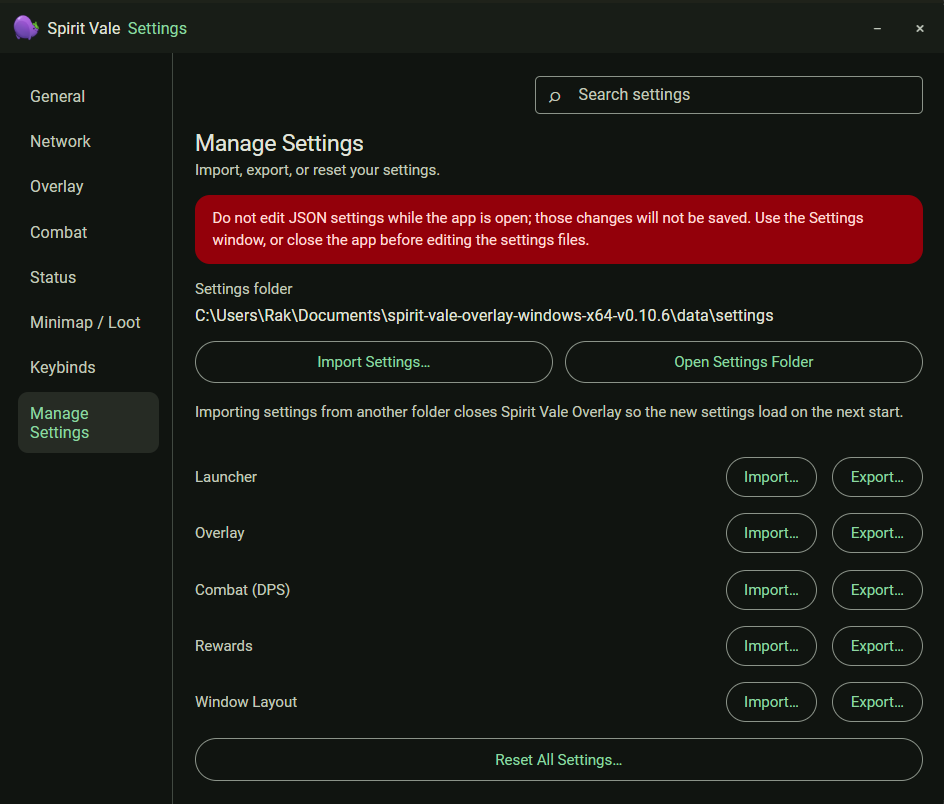
Do not edit the JSON settings files while the app is open; those changes are not saved. Importing settings from another folder closes the app so the new settings load on the next start.