[!WARNING] Deprecated: Spirit Vale Overlay is no longer actively maintained. No further updates, fixes, releases, or support are planned. The existing code, releases, and documentation remain available as-is for reference.
Launcher and settings
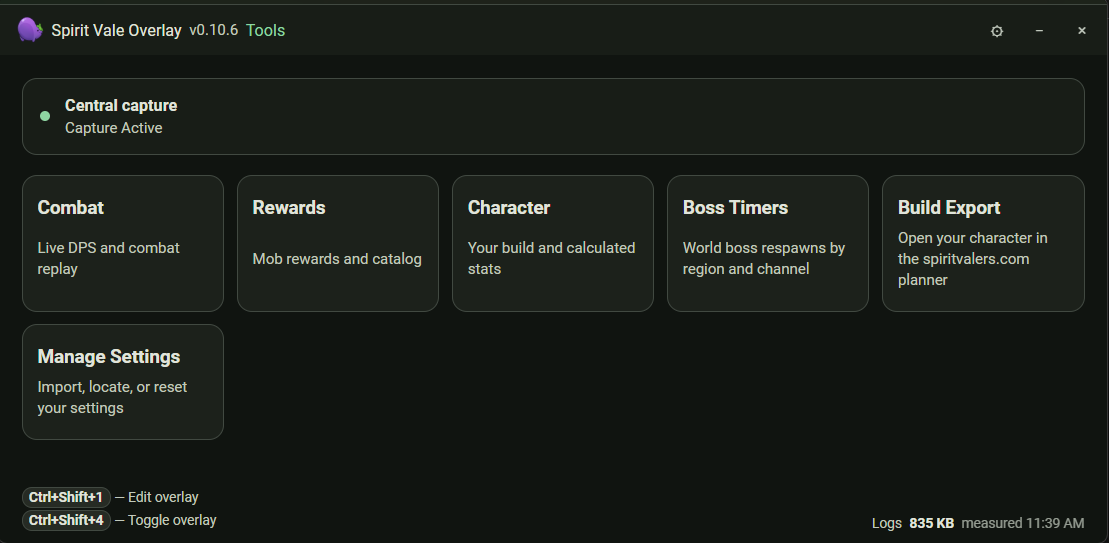
The launcher gives you quick access to combat DPS, rewards, and character tools. The shared Settings window holds general, network, overlay, and keybind configuration.
Live overlay
The in-game overlay shows live party DPS along with HP/MP during combat. Press
Ctrl+Shift+4 to show or hide it, and Ctrl+Shift+1 to unlock it and drag
elements into the layout you want.
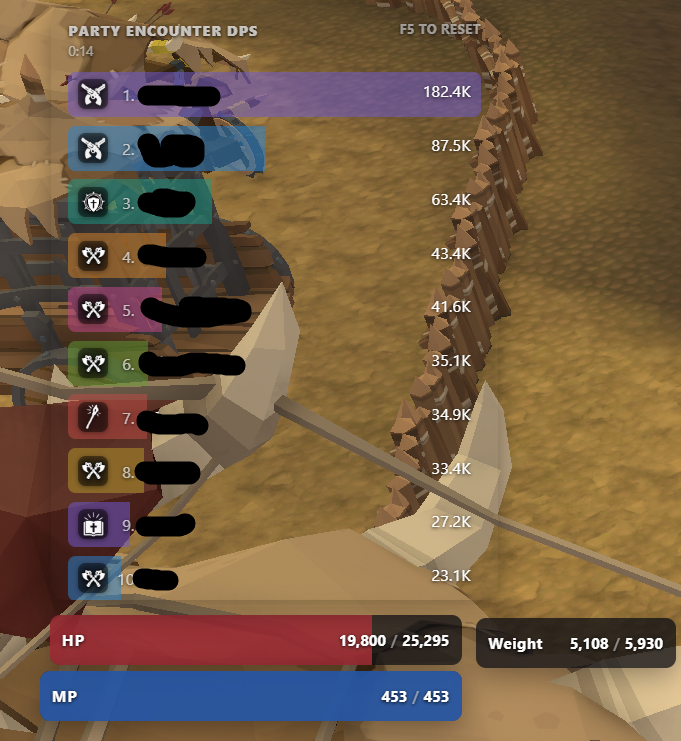
Because capture is proximity-based, DPS reported for other players drops when they move out of capture range.
Full guide
The Guide covers each tool in detail:
- Overlay — tiles, layout editing, and hotkeys
- Combat — live DPS, combat logs, and the death log
- Boss timers, Character, Rewards, and Build export
- Settings — network capture, overlay layout, and keybinds
Get started
Spirit Vale Overlay is a portable Windows x64 app. It needs Npcap installed first, and nothing else — the release bundles its own runtime.
Support
Stuck or seeing something unexpected?
- Work through the Windows troubleshooting guide first — it covers startup failures, blank windows, capture problems, and VPN or network optimizer conflicts.
- Ask in the Spirit Vale Overlay Discord if you are still stuck or want a hand reading your logs.
- File a reproducible bug at GitHub Issues.